
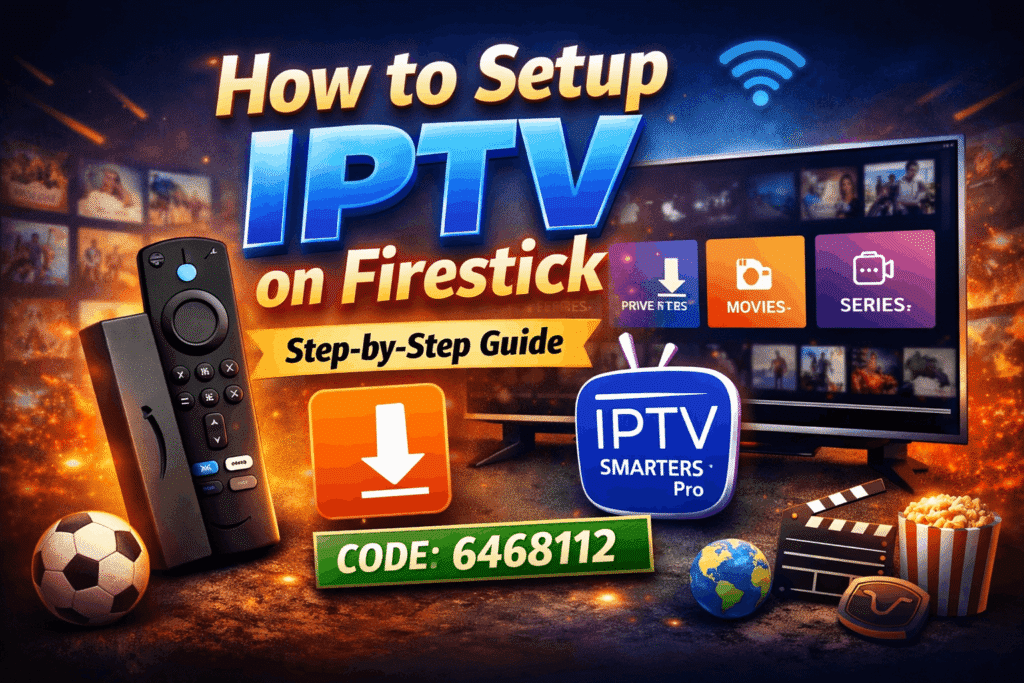
If you are looking for an easy way to watch live TV, movies, and series, then learning how to setup IPTV on Firestick is the best solution. With just a few simple steps, you can turn your Amazon Firestick into a powerful streaming device.
In this guide, I will walk you through the complete process—from installing apps to running IPTV smoothly. So, let’s get started.
What You Need Before Setup
Make sure you have the following:
- Amazon Firestick device
- Stable internet connection
- IPTV subscription (login details)
- Basic remote control knowledge
Once you have everything ready, you can proceed easily.
Step 1: Enable Apps from Unknown Sources
First of all, you need to allow third-party apps installation.
- Go to Settings
- Click on My Fire TV
- Select Developer Options
- Turn ON Apps from Unknown Sources
👉 This step is important because IPTV apps are not available on the Amazon App Store.
Step 2: Install Downloader App
Now, go ahead and install the Downloader application on your Firestick
- Go to Find/Search on Firestick
- Type Downloader
- Install the app
After installation, open the Downloader app.
Step 3: Download IPTV Smarters Pro
Now comes the main part of how to setup IPTV on Firestick.
- Open Downloader
- In the URL box, enter this code:
6468112 - Click Go
- Wait for the download to complete
- Click Install
Once installed, open the app.
Step 4: Setup IPTV Smarters Pro
After installing, follow these steps:
- Open IPTV Smarters Pro
- Click on Login with Xtream Codes API
- Enter your details:
- Username
- Password
- Server URL
- Click Add User
👉 Within seconds, your channels, movies, and series will load.
Step 5: Start Watching IPTV
Congratulations 🎉
You have successfully learned how to setup IPTV on Firestick. Now you can:
- Watch live TV channels
- Stream movies and series
- Enjoy sports and international content
Common Issues & Fixes
1. App Not Installing
Make sure unknown sources are enabled.
2. Buffering Issues
Use a fast internet connection (at least 20 Mbps recommended).
3. Login Not Working
Double-check your IPTV credentials.
Why Use IPTV on Firestick?
There are many benefits:
- Easy to install and use
- Affordable compared to cable
- Access to global channels
- HD and 4K streaming
Moreover, Firestick provides a smooth and user-friendly experience.
Final Words
Now that you know how to setup IPTV on Firestick, you can enjoy unlimited entertainment anytime. If you follow all the steps carefully, you will have your IPTV running within minutes.